Manufacturing Report
is a report that provides information about the process of making products by converting raw materials into finished goods using machines, tools, and human labor.
The following are the reports that shows all manufacturing activities:
1. Finished Manufactured Items Report
This report shows products that are fully made and ready to use or sell. It shows finished quantities. It helps confirm completed products.
The following is the short description of each column in this report:
Date
The date when the item was produced or recorded.
Item
The name of the finished manufactured product.
Quantity
The number of units that were produced.
Unit
The measurement unit of the item (for example, pieces, boxes, kg).
Unit Price
The cost or value of one unit of the item.
Total Value
The total value of the produced items (Quantity × Unit Price).
From Store
The store where the raw materials came from.
To Store
The store where the finished items were added or kept.
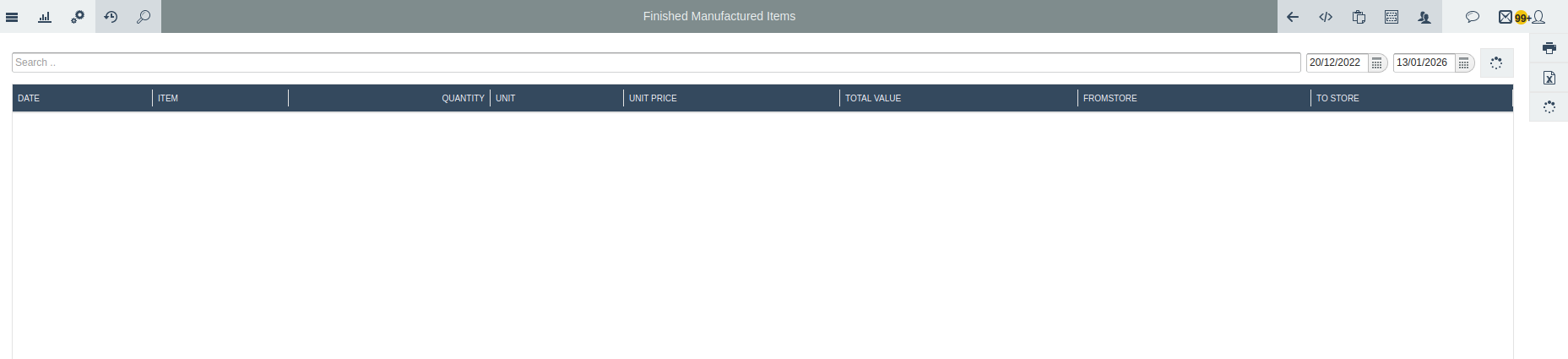
the shows the appearance of the finished manufactured items report
2. Product Recipe Report
This report shows what materials are needed to make a product. It lists each material and the quantity used. It helps workers make the product the same way every time. Below are description of details found on this report panel:
By Product / By Category
These options allow the user to filter the report by a specific product or by a product category.
No (#)
A number used to list or count each record in the report.
Manufactured Date
The date when the product was made.
Raw Materials
The materials used to produce the finished product.
Quantity
The amount of raw materials used.
Unit
The measurement unit of the raw materials (for example, kg, liters, pieces).
From Store
The store where the raw materials were taken from.
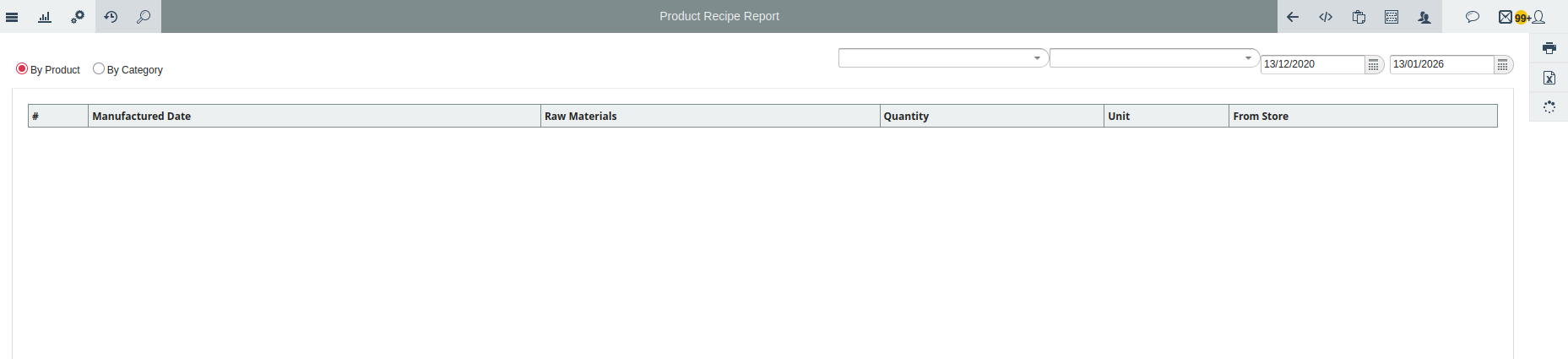
this image shows the product recipe report panel
3. Work in Process (WIP) Items Report
This report shows products that are being made but are not finished yet. It shows how many items are still in production. It helps track unfinished work. The following are briefly description on details found on this report panel:
Date
Indicates when the item entered the production process.
Item
The name or type of the item that is being worked on.
Quantity
How many units of the item are currently in production.
Unit
The measurement used for the item (e.g., pieces, kg, liters).
Unit Price
The cost or value of one unit of the item while in process.
Total Value
The total value of all items in process, calculated as Quantity × Unit Price.
From Store
The store or location from which the raw materials were taken.
To Store
The store or location where the work-in-process items are kept during production.
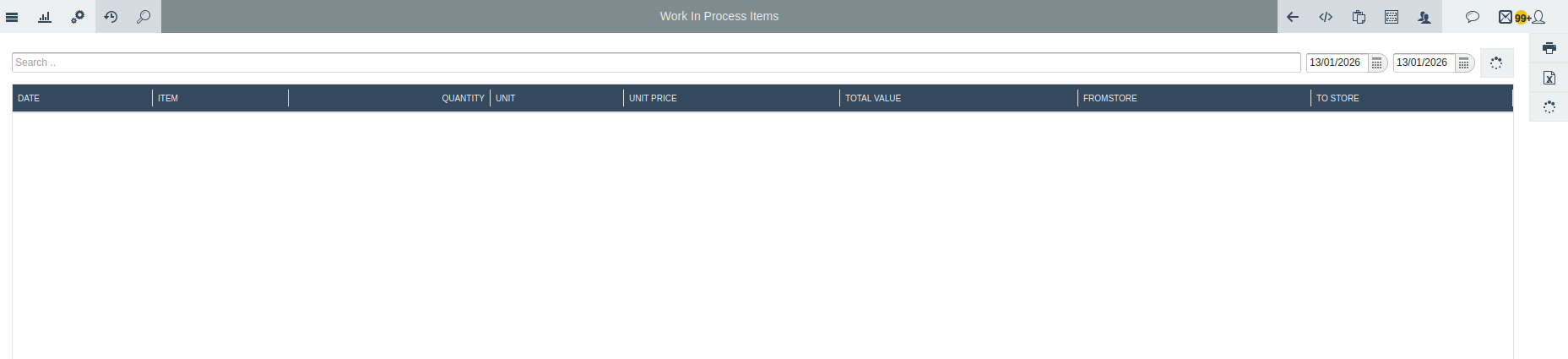
- this images shows the report panel above